
An image background remover in Chrome
Open the extension from Chrome and process the selected image on your device instead of sending its pixels to a remote cutout service.
Remove background from a photo on your device, refine the edges with brushes, then download or copy a transparent PNG—without uploading the image for cutouts.
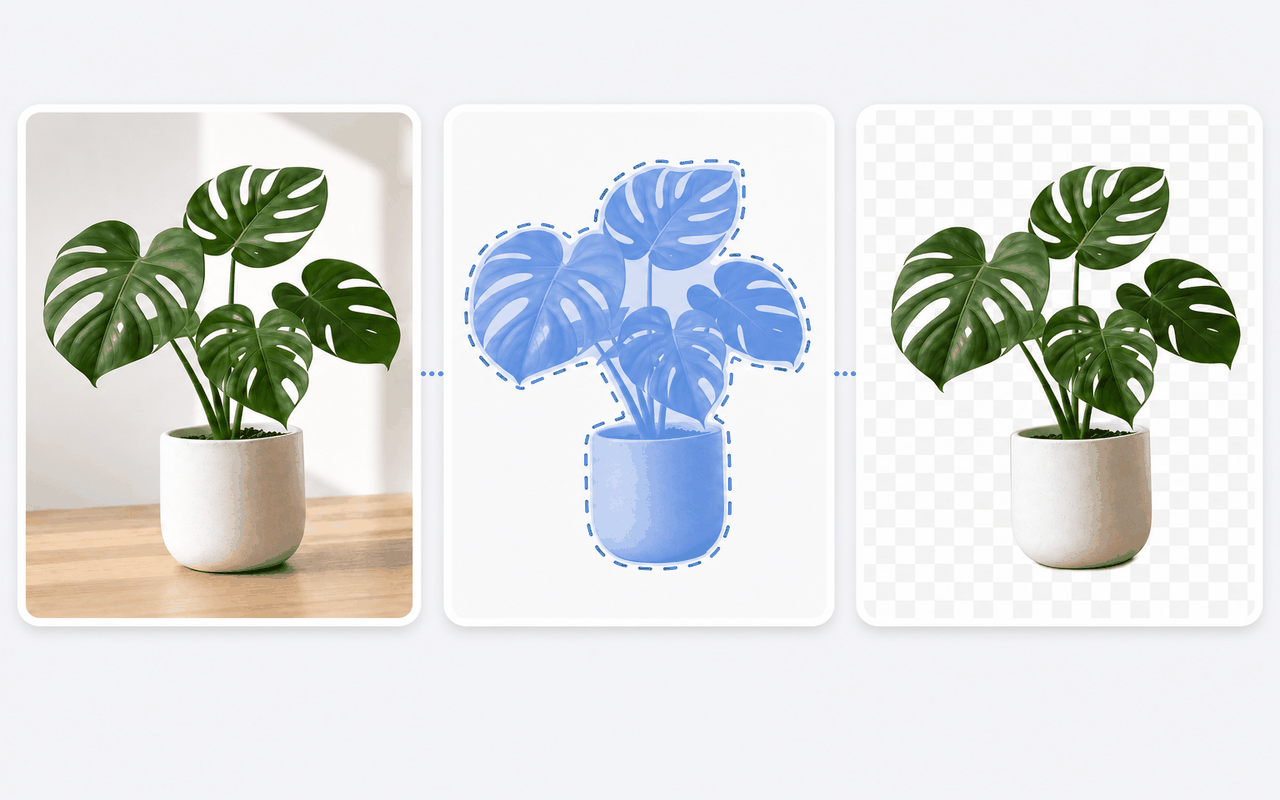
Built for quick cutouts
Open the extension from Chrome and process the selected image on your device instead of sending its pixels to a remote cutout service.
Use the photo background remover for product shots and portraits, or the picture background remover for screenshots, slides, and profile images.
The background eraser and restore brushes let you adjust hard or soft edges before export, with controls for brush size and softness.
The background remover PNG workflow keeps transparency in the downloaded file, while the built-in transparent PNG maker also lets you copy the cutout to the clipboard.
This background remover tool accepts PNG, JPEG, WebP, AVIF, HEIC, and HEIF files; its transparent PNG converter produces a PNG for download or copy.
Keep transparency or place the cutout over a solid color, a linear or radial gradient, or another image before saving the result.
Simple by design
A focused Chrome extension for on-device background removal, edge refinement, and transparent PNG export.
Chrome Web Store
“Product shots export cleanly as transparent PNGs without leaving Chrome.”
“The brushes make soft edges usable before I drop the cutout into a layout.”
“One image at a time is fine when I need a quick subject cutout for a campaign.”
Three quick steps
Install Easy Background Remover from the Chrome Web Store.
Open the extension and select the image whose background you want to remove.
Review the cutout, refine it when needed, and save the transparent image.
Answers before you install
Add the extension, open or select an image, run the local cutout, review the result, and download the finished PNG.
The cutout runs on your device in Chrome. Image pixels are not sent to our servers for background processing.
Keep the checkerboard background selected, then use the add and erase brushes to refine the mask before downloading the PNG.
After processing, choose a solid color, build a linear or radial gradient, or upload another image as the new backdrop.
A checkerboard in the editor indicates transparent pixels and is not added to the download. If the checks are part of the original image, process and refine that image like any other cutout.
Choose the solid-color background option, set it to white, review the composite, and download the result as a PNG.